

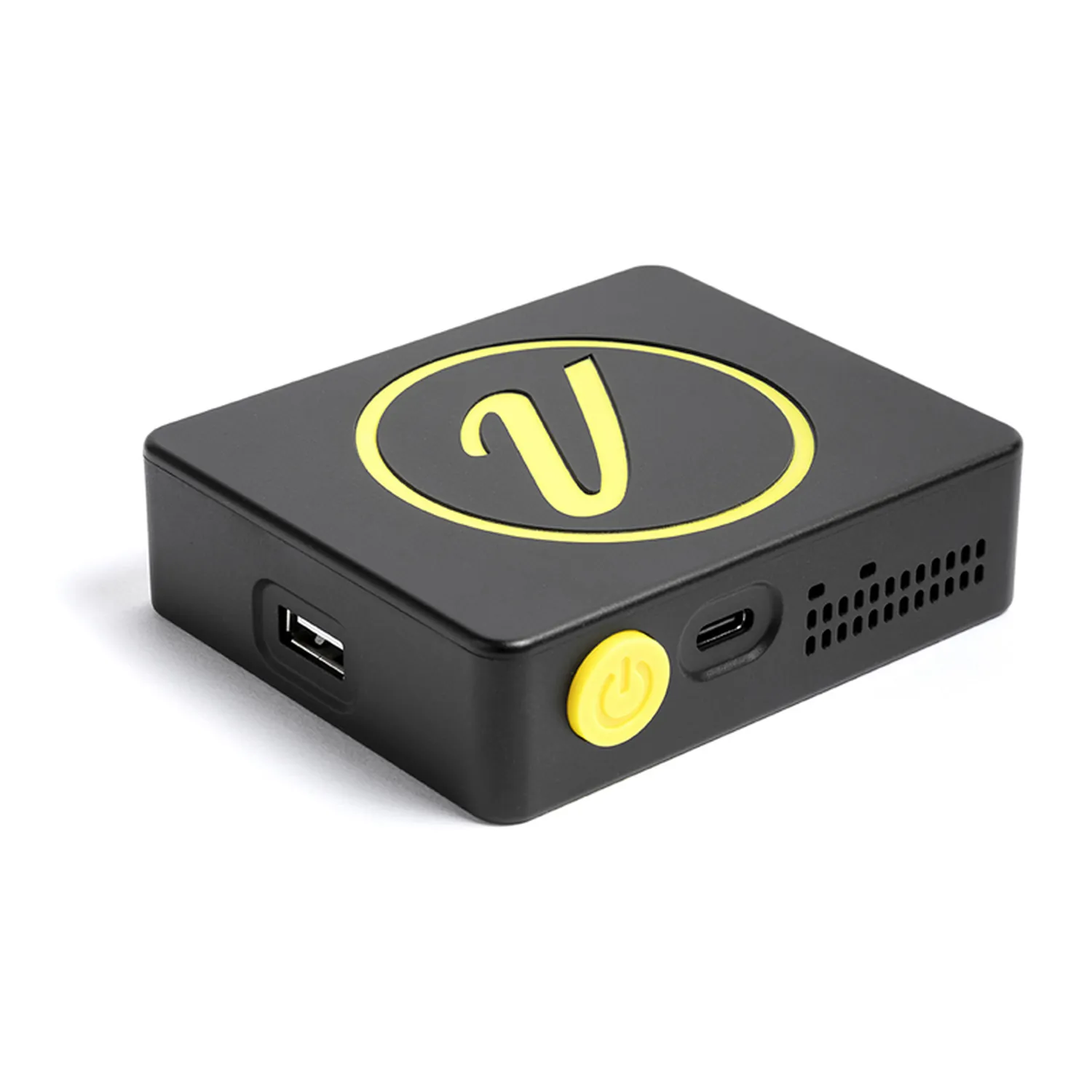
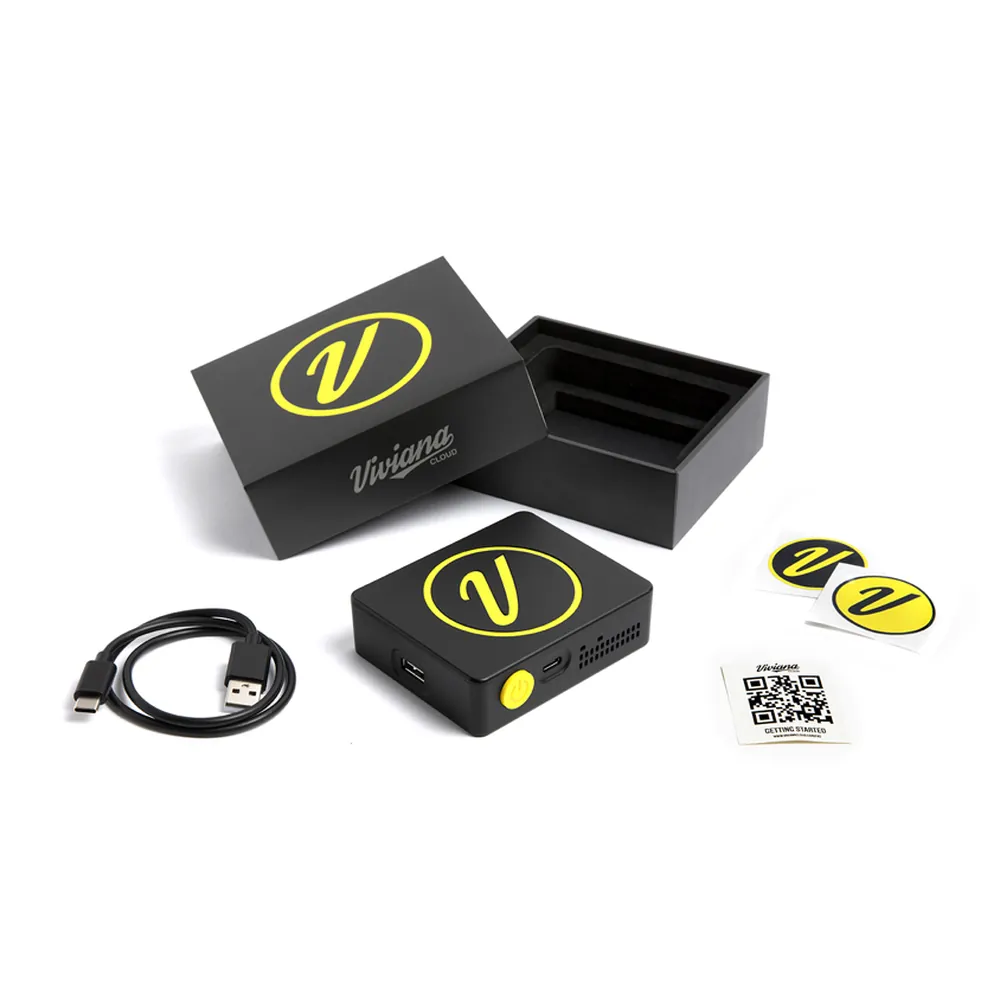
Viviana Cloud Interface Box
- Uploads recorder files straight to Dropbox
- Works with AATON, Sound Devices 8-Series, and MixPre recorders
- App plays tracks and builds sound reports
$399.00 USD
In Stock
Viviana Cloud Interface Box
The Viviana Cloud Interface Box uploads recordings from a field recorder straight to the cloud, so files are backed up before the drive leaves set.
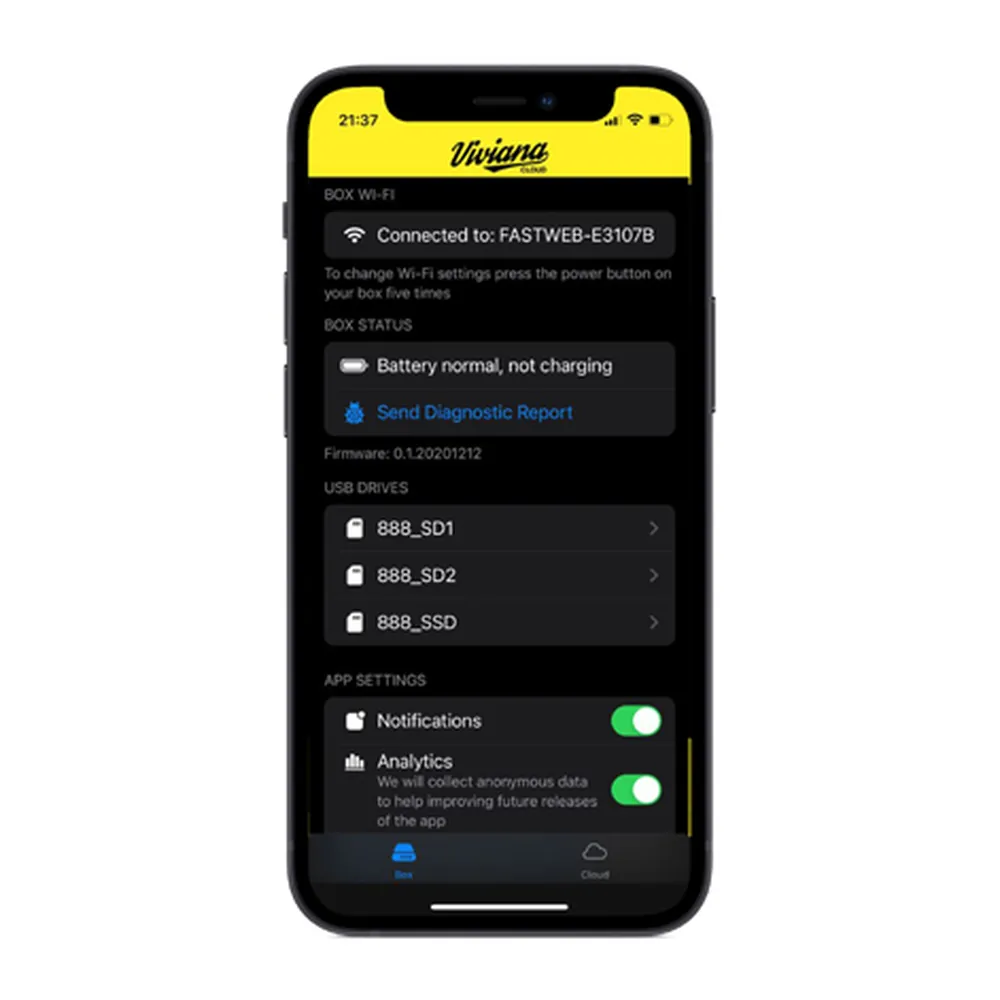
The system has two parts: the Viviana Cloud box and the Viviana Cloud smartphone app. Switch the box on and plug it into an AATON recorder or a Sound Devices 8-Series or MixPre. Put the recorder in File Transfer mode, then pick the files in the app to upload them to your own Dropbox account.
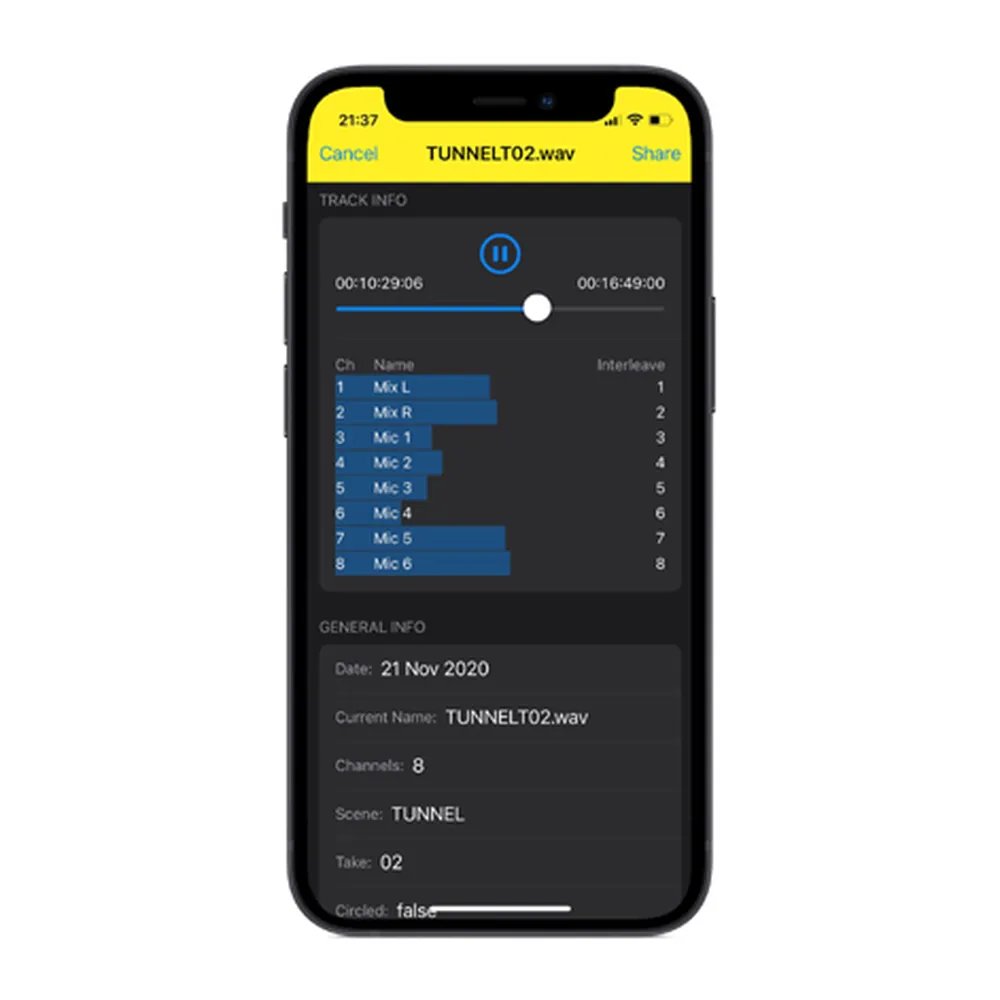
The app also plays tracks, shows file metadata, shares recordings, and builds sound reports. The box works with a Zoom F8 too, and with an external card reader or USB drive.
Features
- Uploads recordings from the recorder to Dropbox
- Works with AATON recorders and Sound Devices 8-Series and MixPre recorders
- Also works with the Zoom F8, card readers, and USB drives
- Smartphone app picks files to upload
- App plays tracks, shows metadata, and builds sound reports